 Free tool · from TickOff


How to use this printable habit tracker
- Pick the month you want to track. The tracker shows every date with its weekday, and weekends are shaded.
- Add three to five habits, one per line, or tap the suggestions. Make them specific: "Read 20 minutes" beats "Read more".
- Choose a colour and, if you like, add a goal and notes box.
- Print it in landscape, or save it as a PDF. Put it somewhere you see every day: the fridge, your desk, the bathroom mirror.
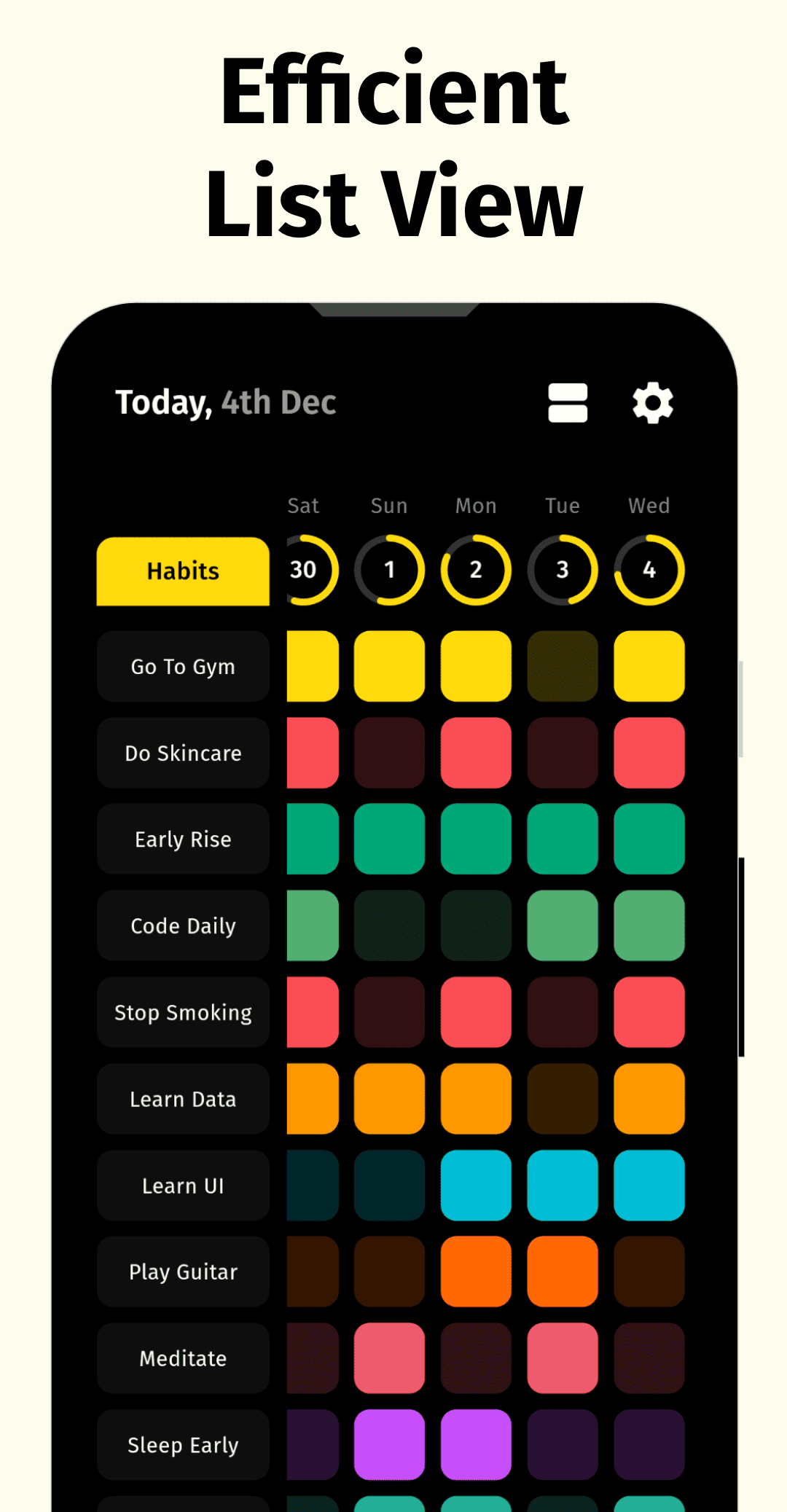
- Tick each box the moment you finish the habit. Prefer screens? Click the boxes here instead, and the total column counts for you.
Why habit trackers work
A habit tracker gives you a small, immediate reward for doing something whose real reward is months away. Filling in a box feels good, and a row of filled boxes creates a chain you do not want to break. It also makes your behaviour honest: it is hard to believe you "exercise most days" when the row shows six ticks out of thirty.
Research on habit formation suggests consistency in the same context matters more than perfection. In the UCL study by Lally and colleagues, missing a single day did not meaningfully slow down habit formation. So if you miss a day, leave the box empty and tick the next one. The rule many people use is never miss twice.
Habit tracker ideas
| Area | Habits to try |
|---|---|
| Health | Drink 8 glasses of water, 10,000 steps, workout, no sugar, take vitamins |
| Mind | Meditate 10 minutes, journal, gratitude list, no phone in bed |
| Learning | Read 20 minutes, study 2 hours, practise a language, one online lesson |
| Home and money | Make the bed, 10 minute tidy, log expenses, no takeaway |
| Sleep | In bed by 11 pm, no caffeine after 2 pm, screens off an hour before bed |
Struggling to fit a new habit in? Attach it to something you already do, like "after I pour my morning coffee, I will write one line in my journal". We collected more habit stacking examples to get you started.
Paper or app?
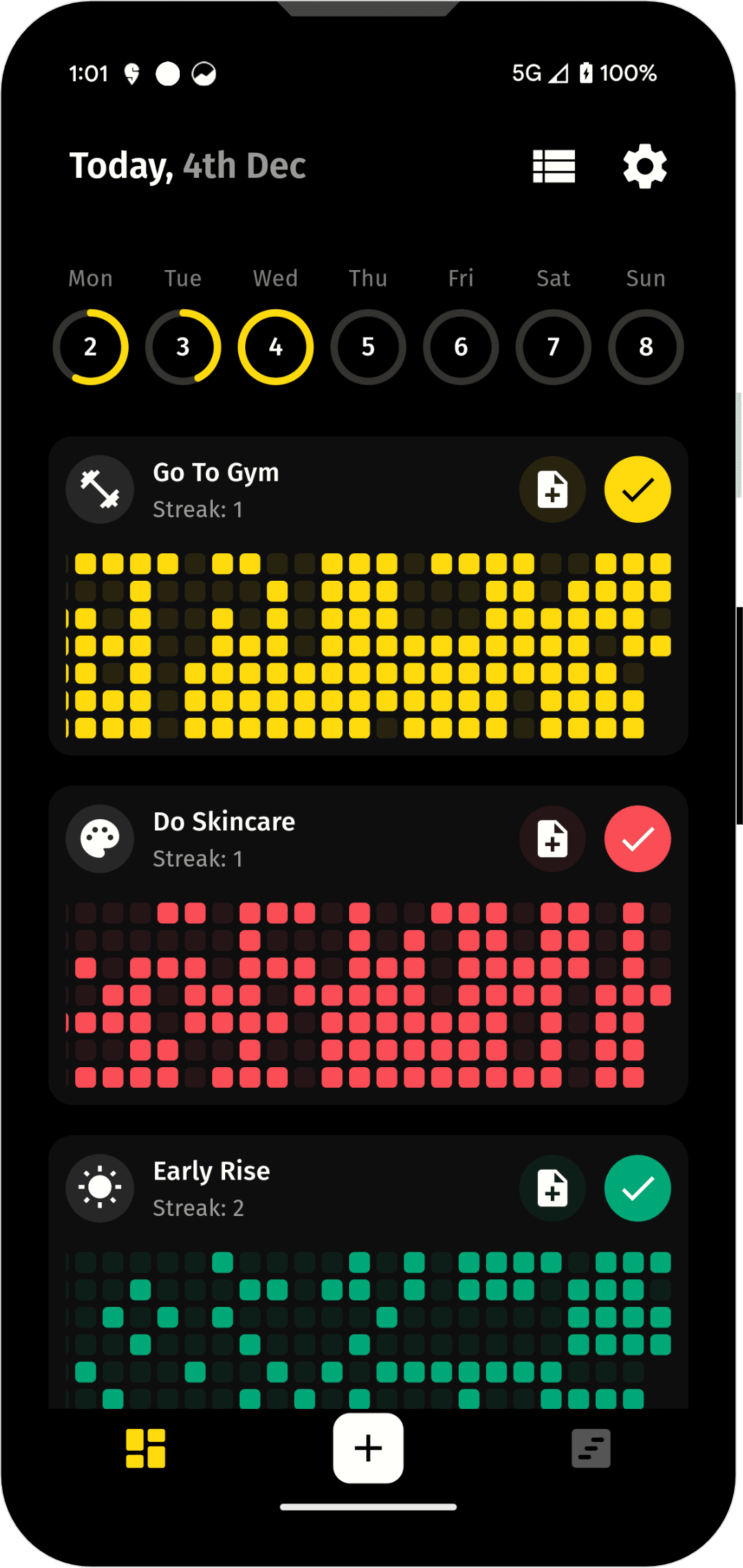
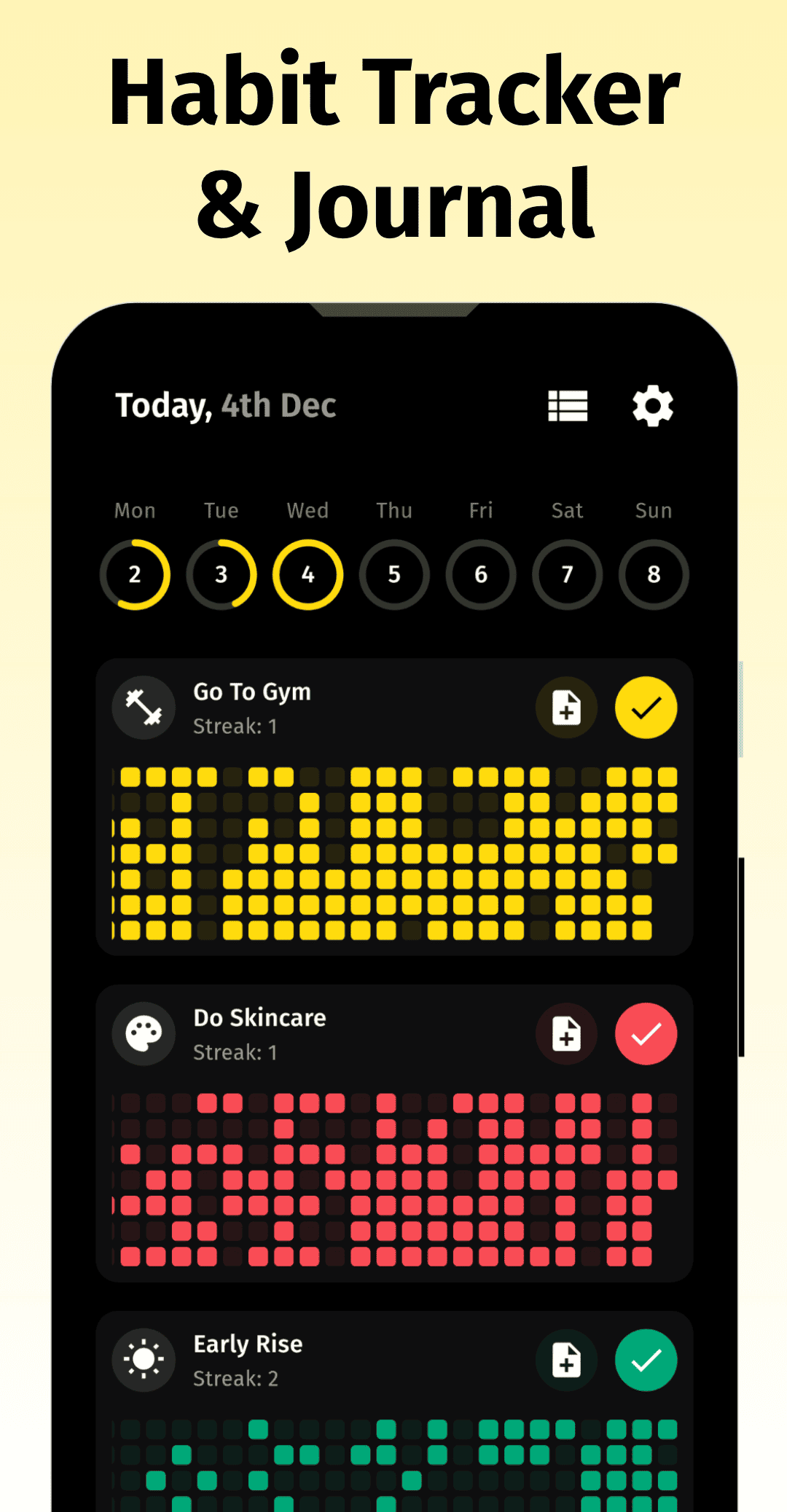
Paper is great for visibility: you cannot ignore a sheet on the fridge. Its weakness is that it cannot remind you, and it is easy to forget when you are away from home. Many people use both: a printed tracker as the visual reminder, and a habit app like TickOff for reminders, streaks and stats on the go.