 Free tool · from TrackIt


How to use the study plan generator
- Set your dates. The start date defaults to today. Your exam day itself is not scheduled, so you can rest the night before.
- Be honest about hours. Enter hours of real, focused study, not hours at your desk. For most students that is 3 to 6 on a school or work day.
- Add subjects and mark their difficulty. Hard subjects get twice the time of easy ones, medium gets one and a half times.
- Pick a revision share and days off. A weekly day off prevents burnout and gives you a buffer to catch up.
- Generate, then print or export. Stick the timetable on your wall or import the CSV into a spreadsheet.
What makes a good study timetable
A plan only helps if you can follow it on a bad day. The generator follows the habits of students who consistently finish their syllabus:
- Interleaving. Each day mixes two or three subjects. Switching topics keeps you fresher than eight hours of one subject, and research on interleaved practice shows it improves long-term recall.
- Weighting by difficulty. Your weakest subjects get the most time, instead of the ones you enjoy.
- A protected revision period. New material stops before the exam so you have time for revision and full mock tests.
- Realistic daily hours. Planning 12 hours a day and doing 4 feels like failure. Planning 5 and doing 5 builds momentum.
How many hours should I study per day?
| Situation | Focused hours per day |
|---|---|
| School exams alongside classes | 2–4 |
| University finals | 4–6 |
| Competitive exams (NEET, JEE, GATE, CAT) while in college or working | 3–5 |
| Full-time competitive exam prep (UPSC, NEET drop year) | 6–9 |
Count focused time only. A good way to measure it is in Pomodoros: eight 25-minute sessions is a solid, sustainable day. Try our free Pomodoro timer to see how much real focus time you have.
Turning subjects into daily targets
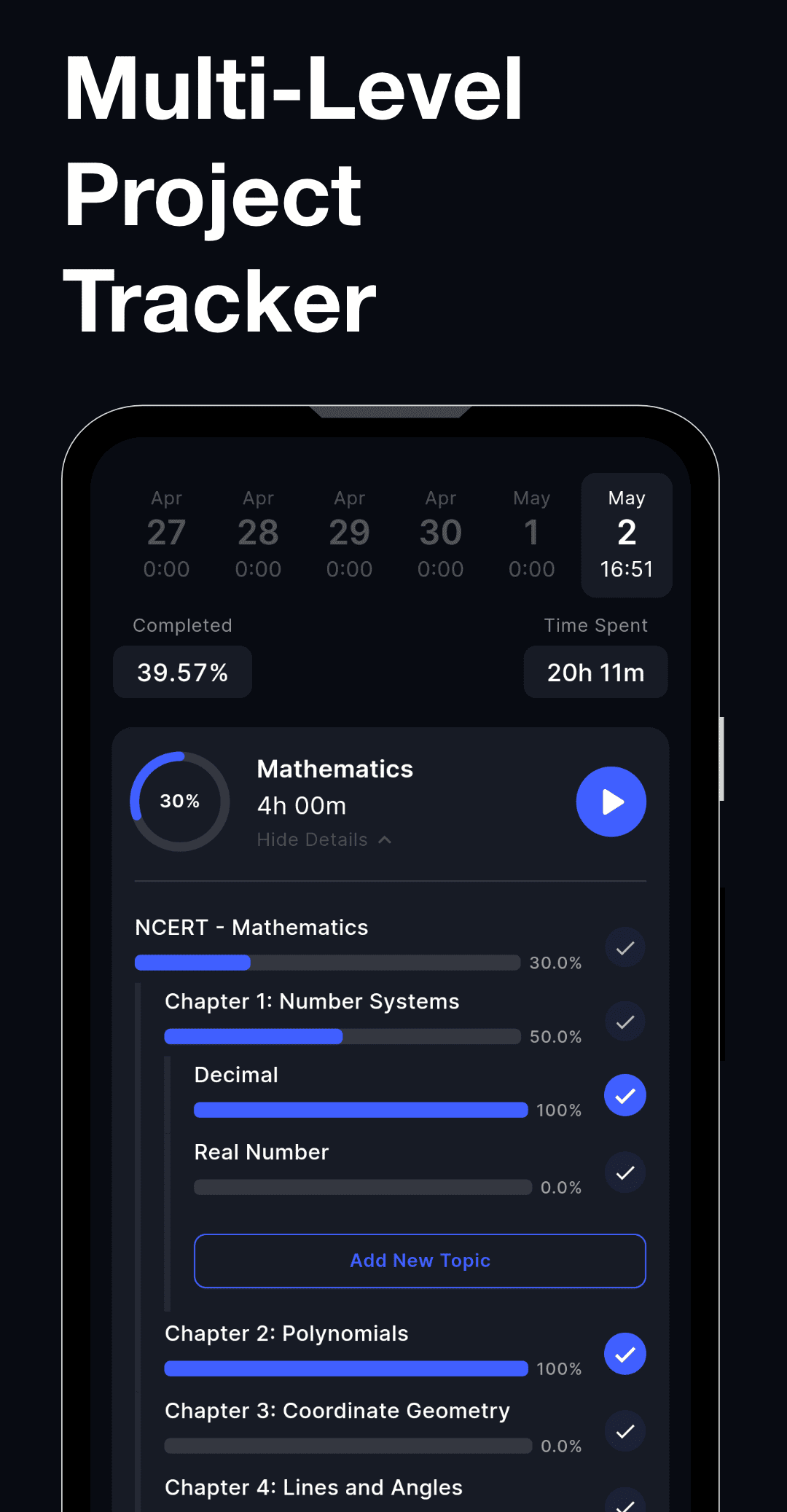
The timetable tells you which subject to study and for how long. To make each block concrete, list the chapters for every subject and divide them by that subject's hours. If physics has 60 hours and 20 chapters, you have about three hours per chapter including practice questions. Write the chapter name next to each block before the day starts, so you never sit down wondering what to do.
Re-run the generator every Sunday with the actual date and your remaining subjects. A plan that adapts weekly is far more useful than a perfect one you abandoned in week two.