Free tool · from BudgetIt

Subscription Cost Calculator

Small monthly charges add up quietly. Add every subscription you pay for and see what they really cost you in a month, a year and five years.

1. Tap what you pay for

Video streaming

Music, audio & reading

Cloud & software

Gaming

Health & fitness

Home & everyday

2. Enter prices and decide

Enter what each one costs and how often you are billed, then decide whether to keep it.

    Tap the services you pay for above, or add your own.

    BudgetIt app icon

    BudgetIt

    Expense Tracker & Budget Planner App

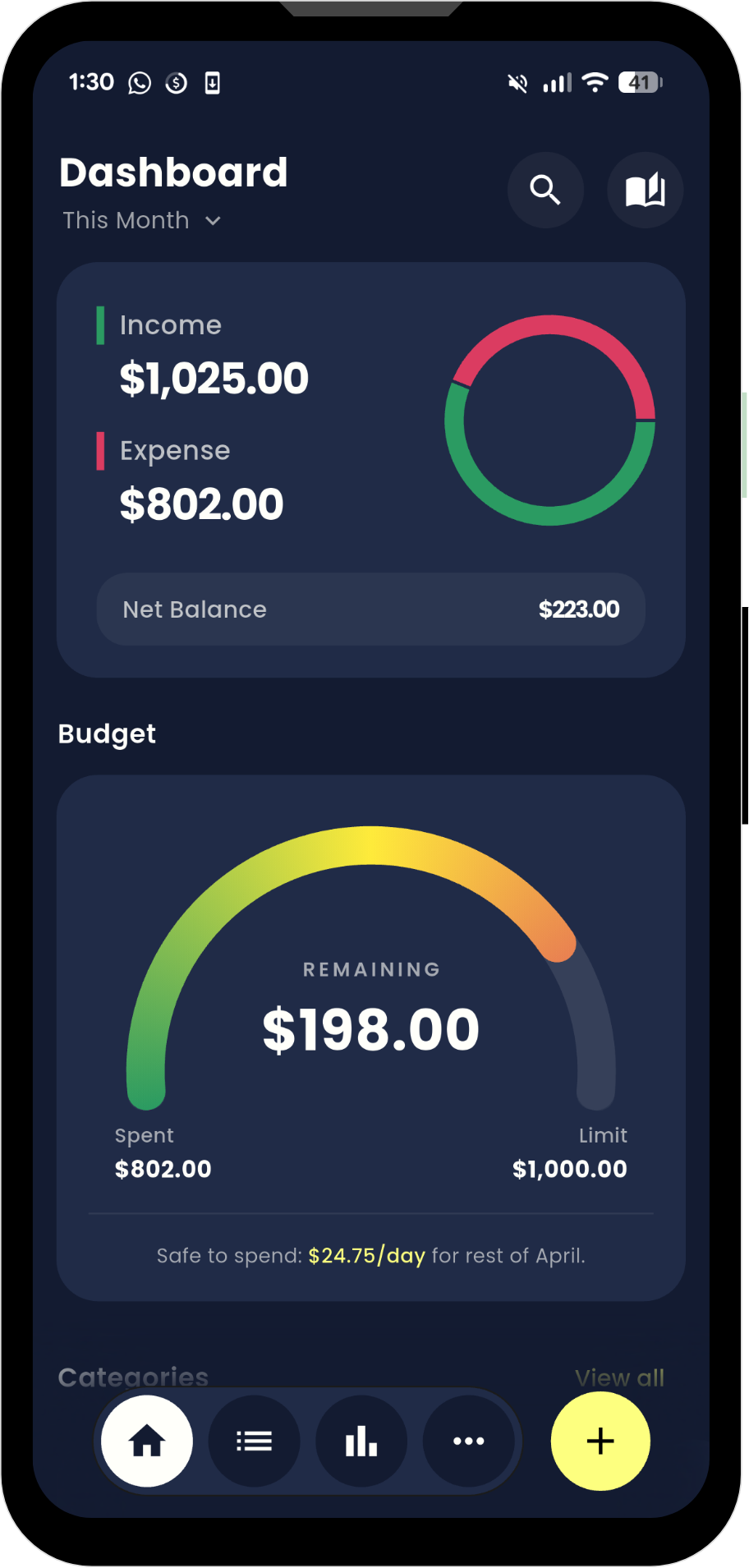
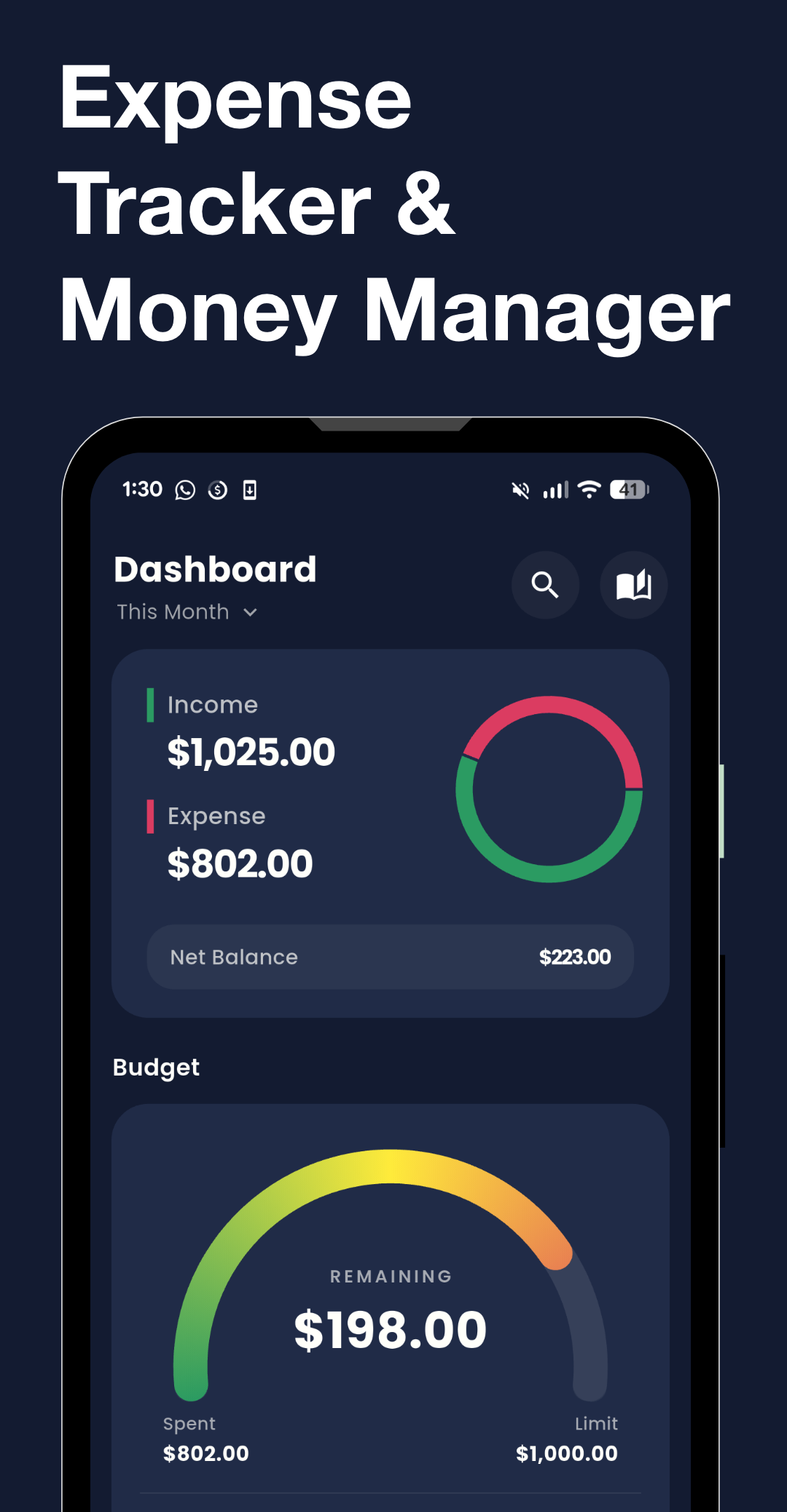
    Keep subscriptions in check with BudgetIt

    • Subscription tracker with renewal reminders
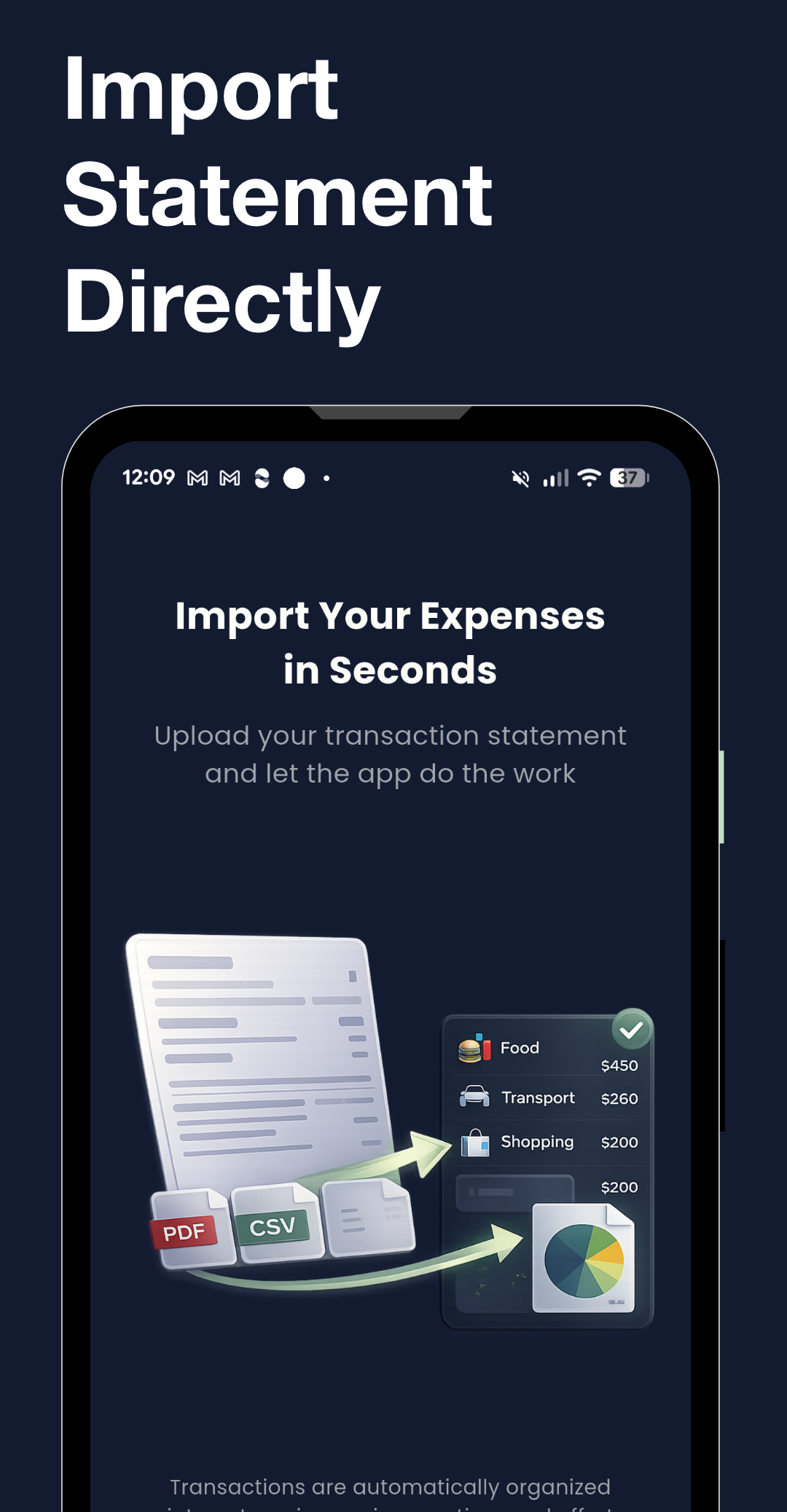
    • Upload bank or card statements to spot charges you forgot
    • Category budgets so subscriptions never crowd out savings
    • Offline first: your data stays on your device
    Rating
    ★ 4.8 rating
    Downloads
    10,000+ downloads
    Price
    Free, no account needed
    More about BudgetIt →
    BudgetIt screenshot 1

    How to use the subscription calculator

    1. Tap every service you pay for, or type the name of anything not listed. Think beyond streaming: phone plan, cloud storage, gym, delivery memberships, apps and software.
    2. Enter the price and how often you are billed. Yearly and weekly charges are converted to a monthly figure so everything compares fairly.
    3. Decide: keep, maybe or cancel. The calculator shows how much you save in a year by cancelling.
    4. Print or save it as a PDF and work through the cancel list this week.

    Why subscriptions cost more than you think

    Subscriptions are designed to be easy to forget. The price is small, it renews automatically, and it rarely shows up as one big bill. Free trials quietly turn into paid plans, prices creep up a little each year, and a service you signed up for once stays on long after you stopped using it.

    Surveys keep finding the same gap between what people think they spend and what they actually spend. A 2022 C+R Research survey of US consumers found people estimated their monthly subscription spending at about $86, while the real average was around $219. Seeing your own yearly total, in your own currency, is usually the moment it clicks.

    How to cut your subscription costs

    • Find everything first. On iPhone, go to Settings, then your name, then Subscriptions. On Android, open the Play Store, tap your profile picture, then Payments & subscriptions. Then check two or three months of bank statements for anything billed directly.
    • Ask when you last used it. If you cannot remember the last time you opened it, cancel it. You can always sign up again later.
    • Rotate streaming services. Keep one or two at a time, binge what you want, cancel, and switch to another next month.
    • Pay yearly only for keepers. Annual plans are cheaper per month, but only if you really use them all year.
    • Share where it is allowed. Family and household plans can cut the cost per person a lot.
    • Set a renewal reminder a few days before each yearly charge, so you decide instead of being decided for.

    Planning a full monthly budget? Our free 50/30/20 budget calculator shows how much of your pay should go on wants like these. This calculator is a planning tool and not financial advice.


    Frequently asked questions

    How do I find all my subscriptions?

    Check three places. On iPhone, open Settings, tap your name, then Subscriptions. On Android, open the Google Play Store, tap your profile picture, then Payments & subscriptions. Then scan the last two or three months of bank and card statements for repeating charges, including yearly ones that are easy to forget.

    How much do people spend on subscriptions?

    More than they think. A 2022 survey of US consumers by C+R Research found people guessed they spent about $86 a month on subscriptions, while their actual spending averaged around $219 a month. Adding yours up line by line is the only way to know your real number.

    Is it cheaper to pay yearly instead of monthly?

    Usually, yes. Many services charge noticeably less per month when you pay for a year upfront. It only saves money if you are sure you will use the service all year, so it makes sense for the subscriptions you marked Keep, not the Maybes.

    Is my data private?

    Yes. The calculator runs entirely in your browser and saves your list only on this device. Nothing is sent to a server. This tool is for planning only and is not financial advice.

    Further reading

    All free tools →