Pomodoro Timer
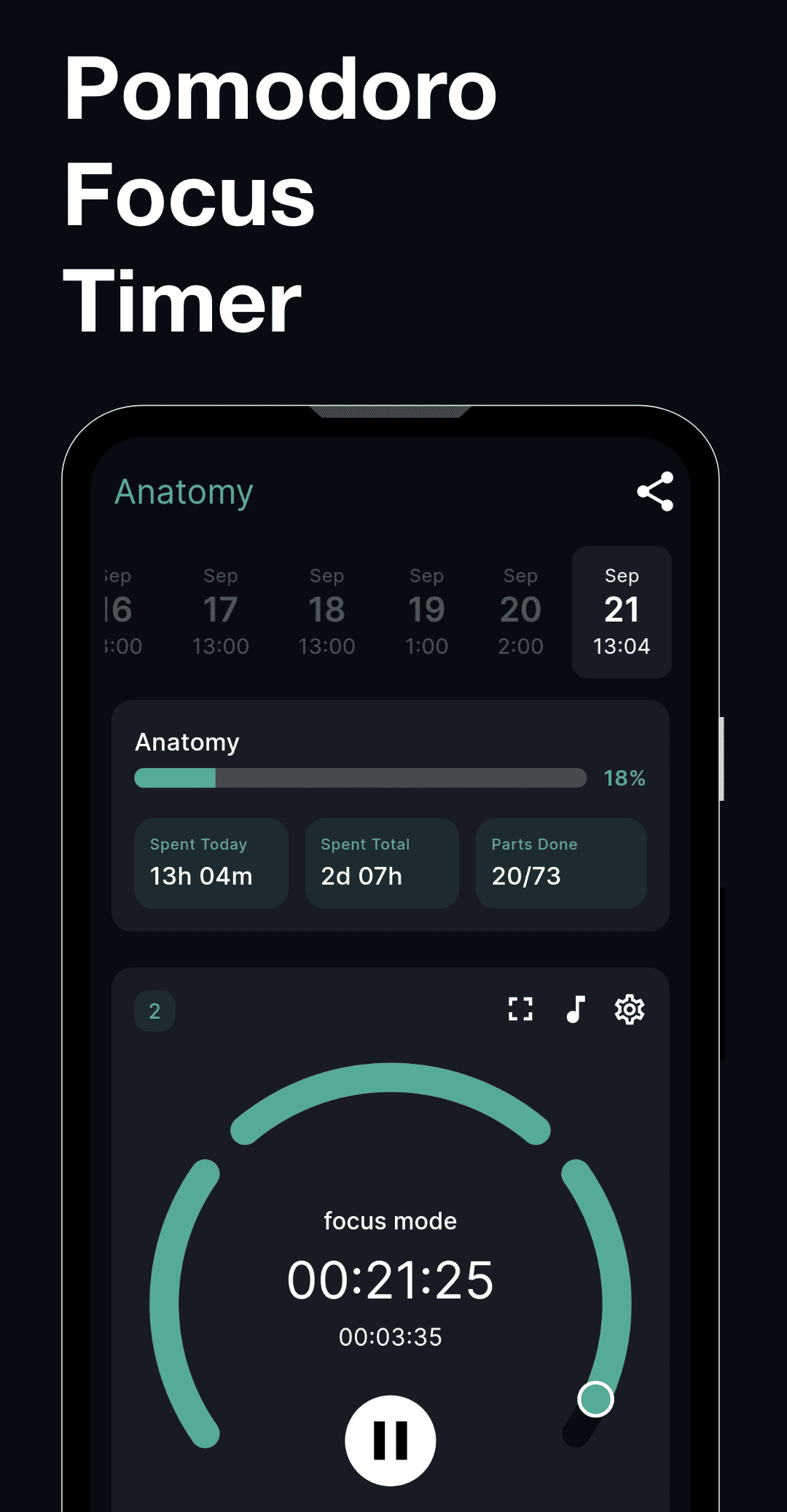
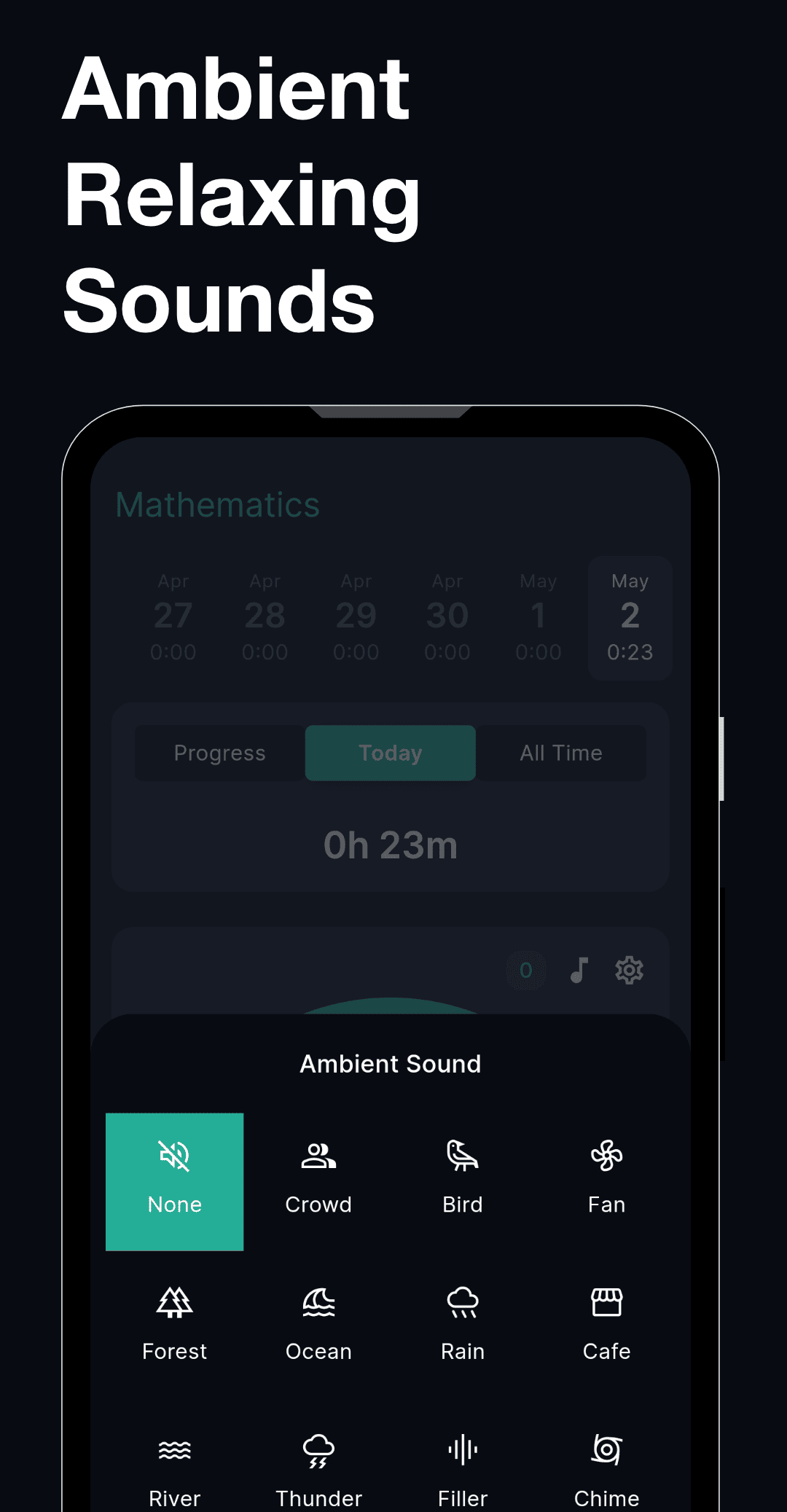
Stay focused with timed study sessions and distraction-free work intervals
Break complex projects into simple, manageable tasks and track the time spent on each step. Perfect for tracking progress in exams and long-term projects.


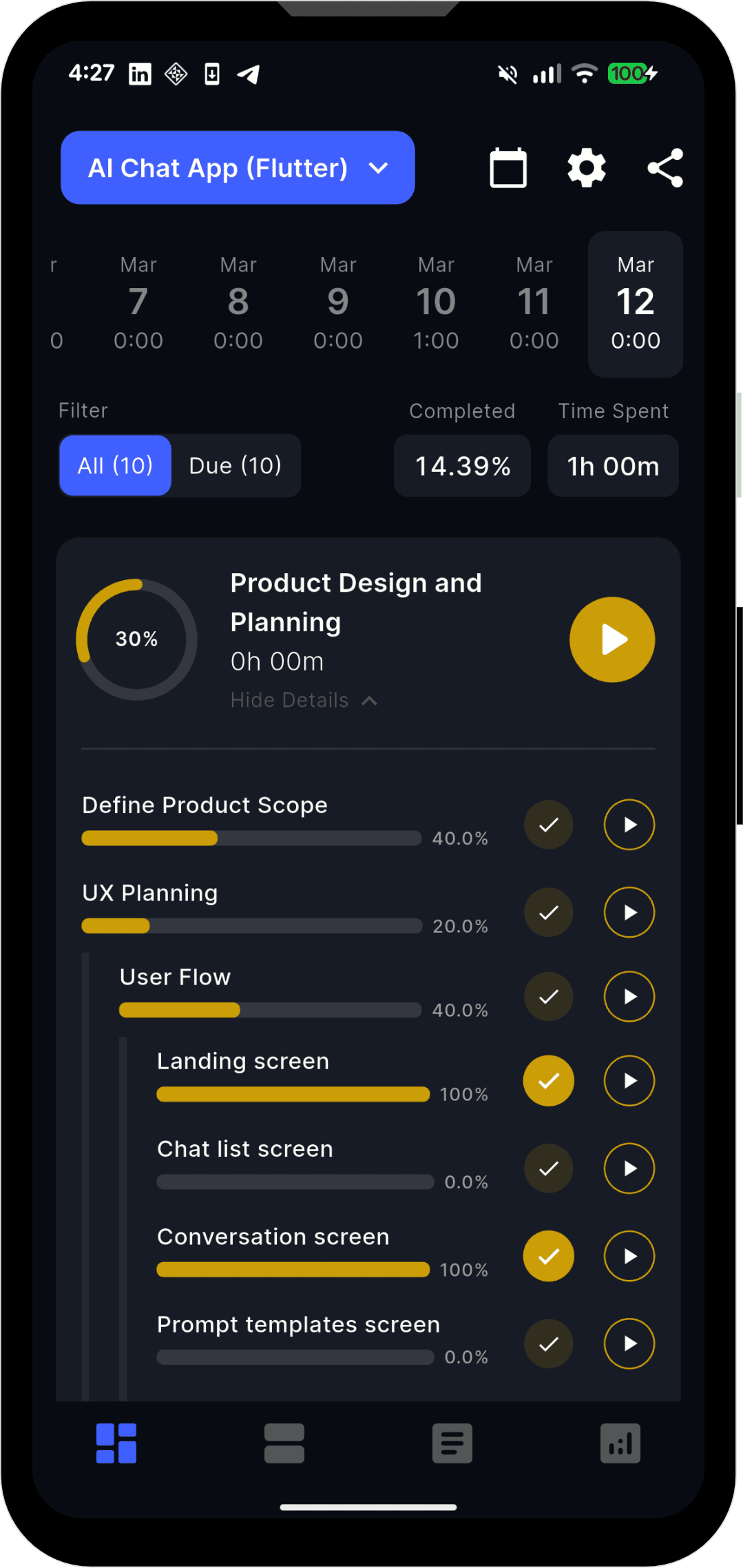
No account required. Download, add your projects, and begin tracking focus sessions today.
Add your exam plan, side project, or learning goal and break it into clear tasks in seconds.
Start a focus timer and mark tasks complete. Build momentum one session at a time.
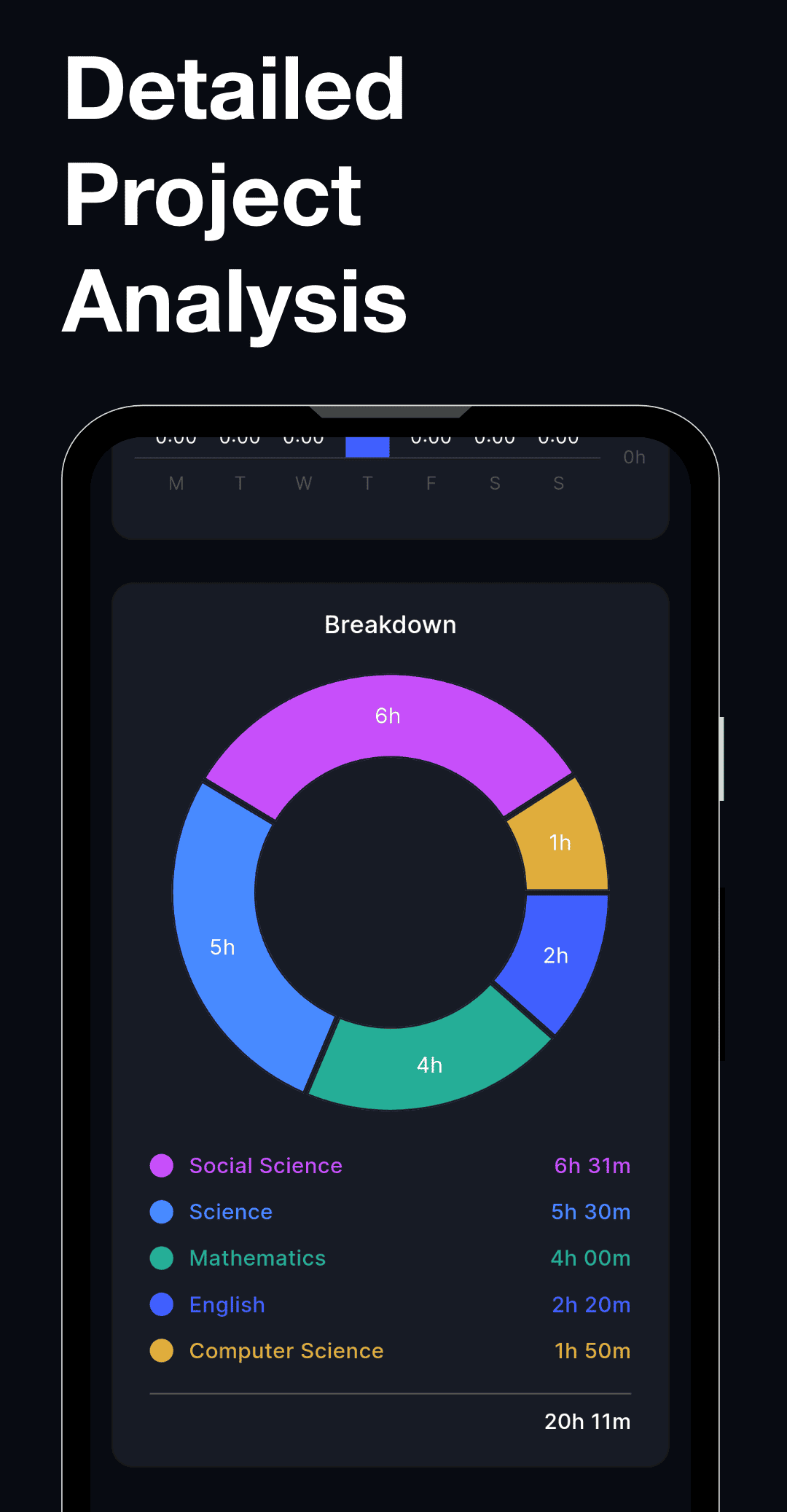
Use weekly insights and timelines to measure consistency and improve your output.
Discover the features that make our app a must-have for your daily needs.
Stay focused with timed study sessions and distraction-free work intervals
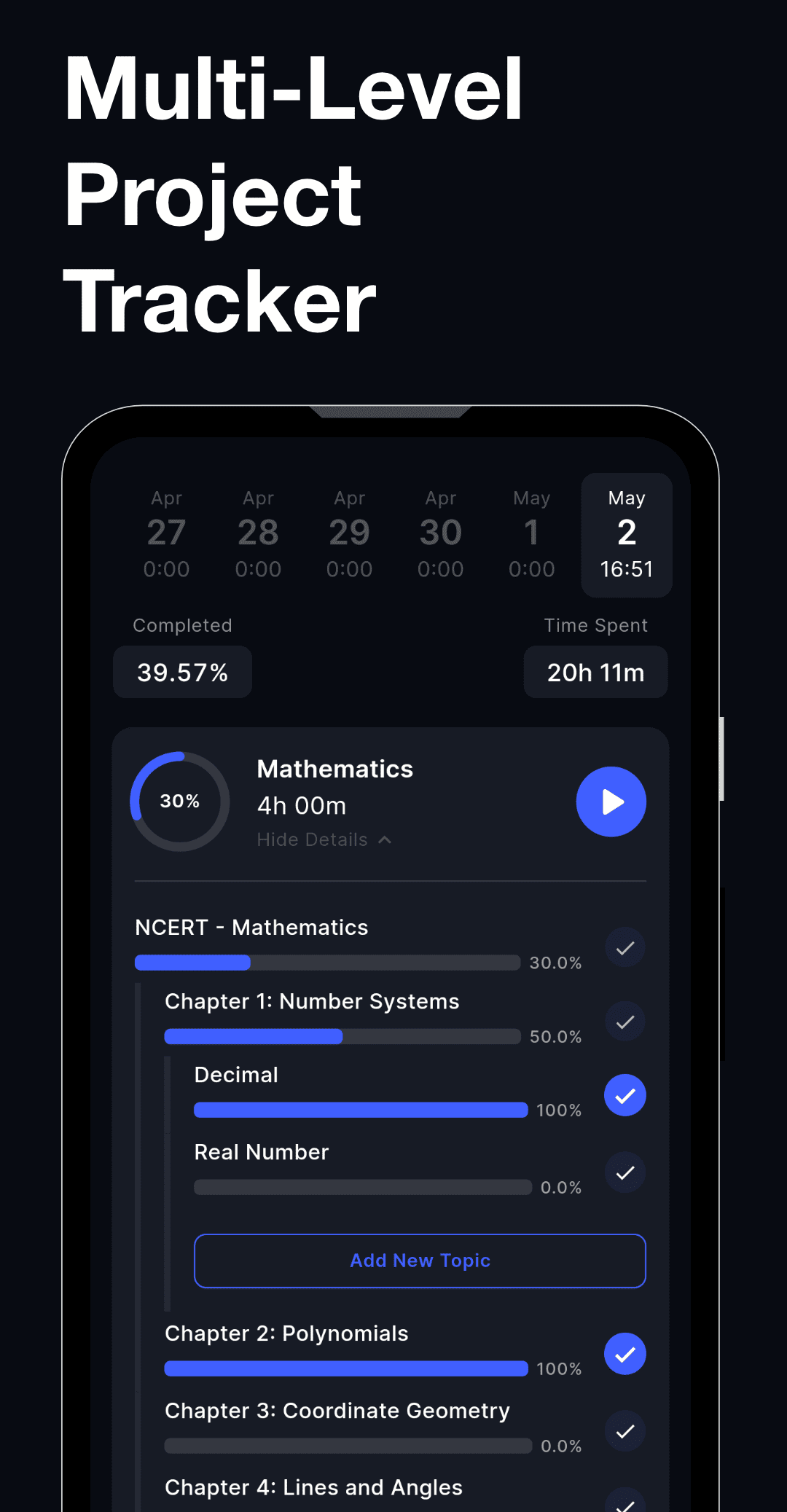
Break large subjects or projects into structured, trackable progress sections
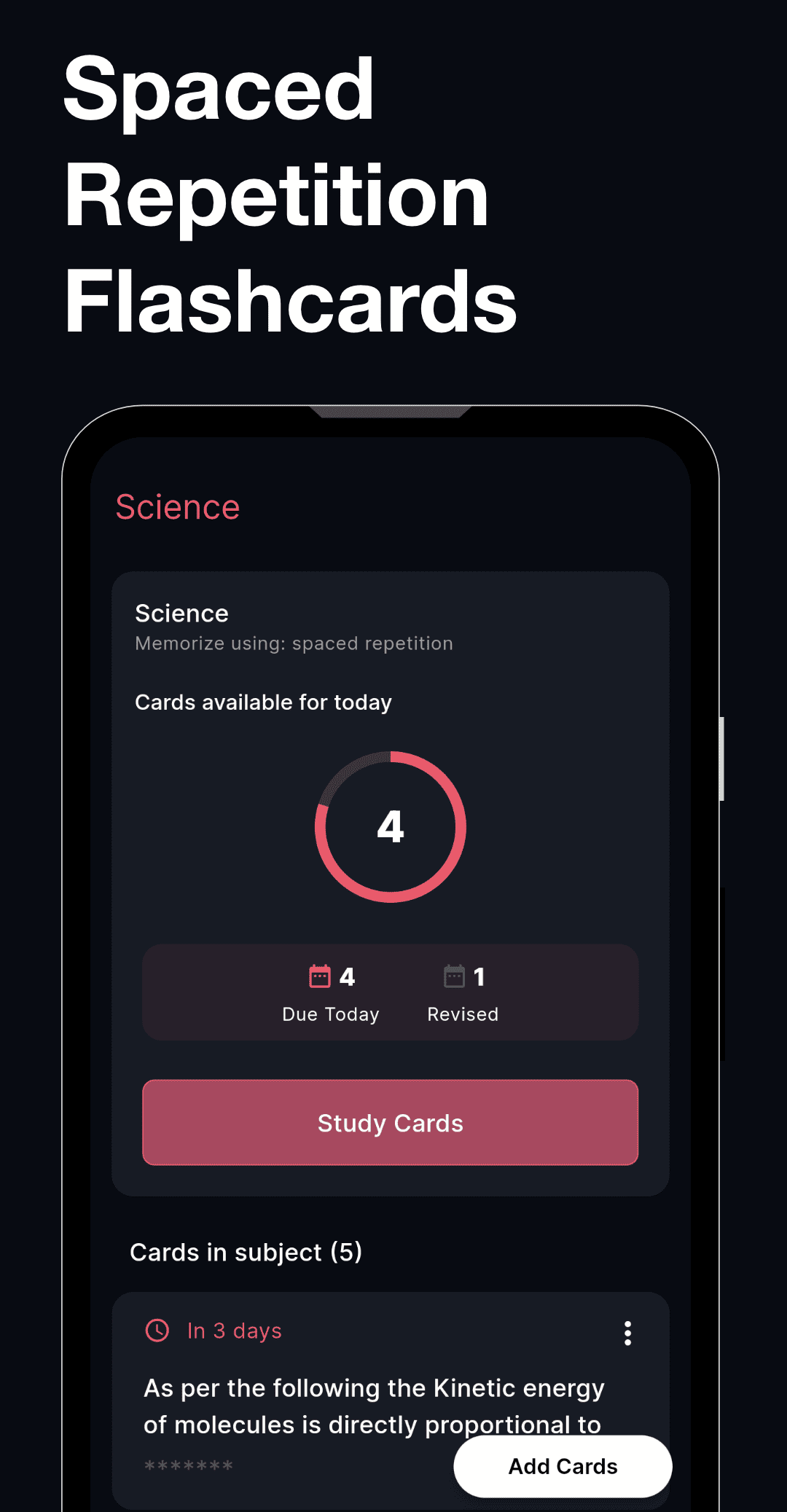
Memorize important concepts faster using proven spaced repetition learning
Generate ready-to-use study or project tracking templates in seconds
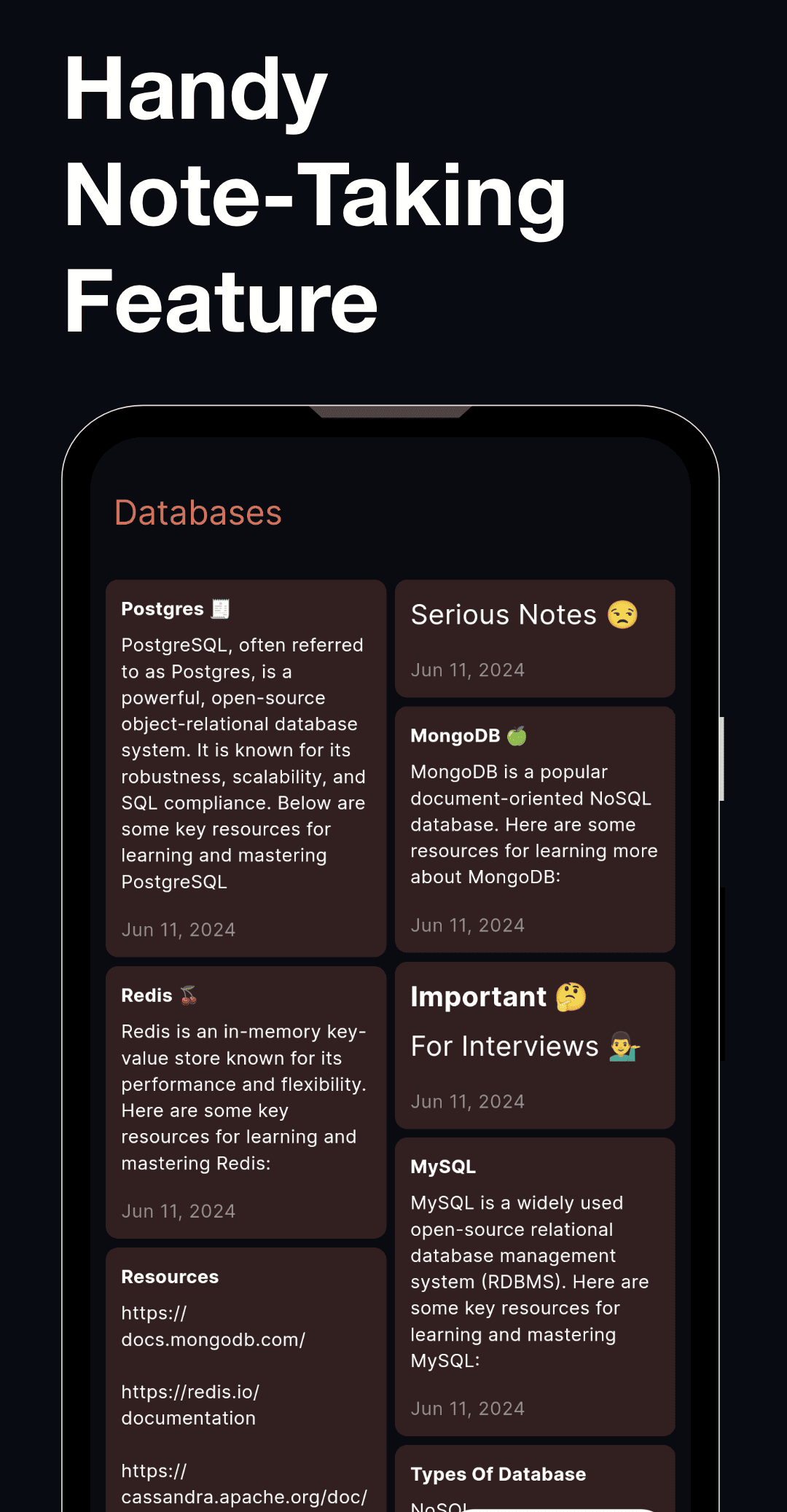
Capture quick notes and ideas alongside topics while studying
Full-screen flip clock timer for immersive and distraction-free study
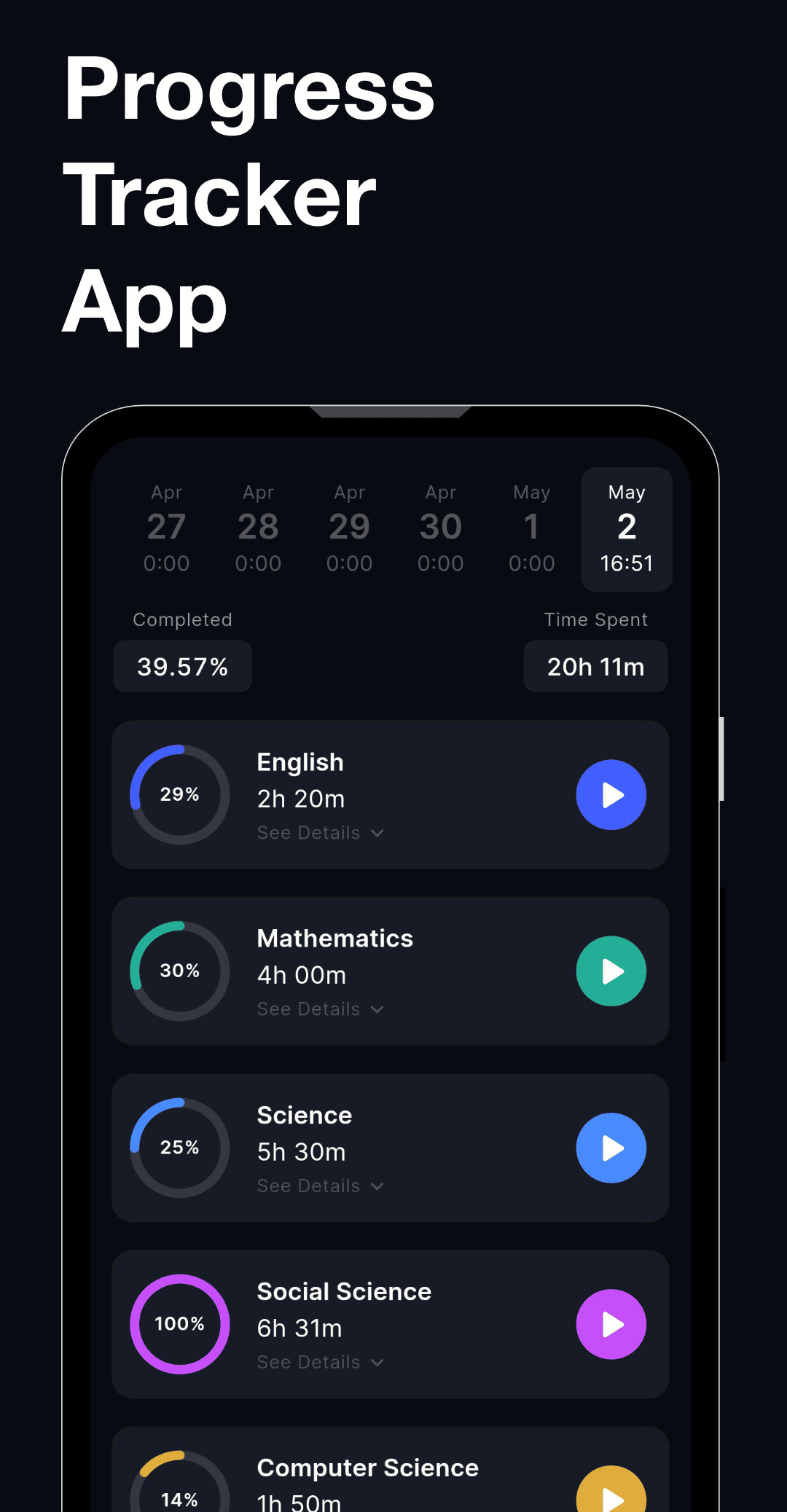
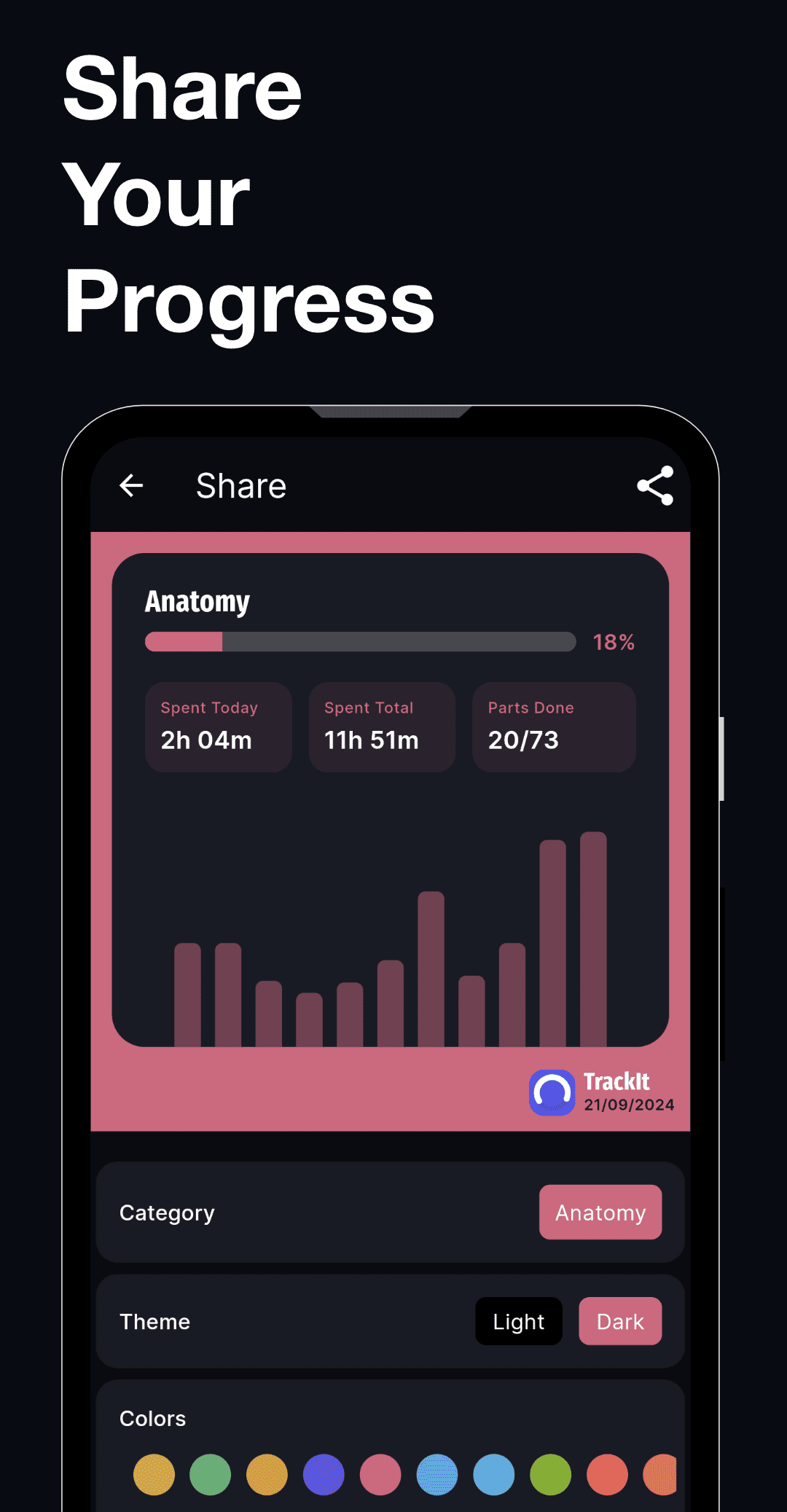
Explore the visual highlights of our app through these screenshots.
Real reviews from real users on the App Store and Google Play.
★★★★★
"For all the app aims to do, I think it's one of the best. I love that I can track.."
Lame C. — Google Play
★★★★★
"Really helpful for anyone wanting to have a proper study time tracker. I love it."
Yash T. — App Store
★★★★★
"This is a wonderful application; it truly aids my focus and study habits. It works"
Zhiar D. — Google Play
Answers to common questions about the app, features, and support.
TrackIt is a powerful study planner and syllabus tracker that helps students break down exam preparation into manageable tasks. You can organize subjects, track syllabus completion, and monitor your study progress for exams like UPSC, NEET, GMAT, and more.
TrackIt allows you to divide your syllabus into subjects, books, chapters, and topics. This makes it easy to track study progress, measure syllabus completion percentage, and stay consistent with your exam preparation.
Yes, TrackIt works both as a study planner and a project tracker. You can break complex projects into smaller tasks, track time spent on each part, and monitor overall project progress in one productivity app.
Yes, TrackIt includes a built-in Pomodoro timer to help you stay focused during study sessions. The timer helps improve productivity, manage study time effectively, and maintain consistent learning habits.
TrackIt is designed for competitive exam preparation such as MCAT, GRE, GMAT, and other major exams. The app helps you organize your syllabus, track completed topics, and stay motivated throughout long study journeys.
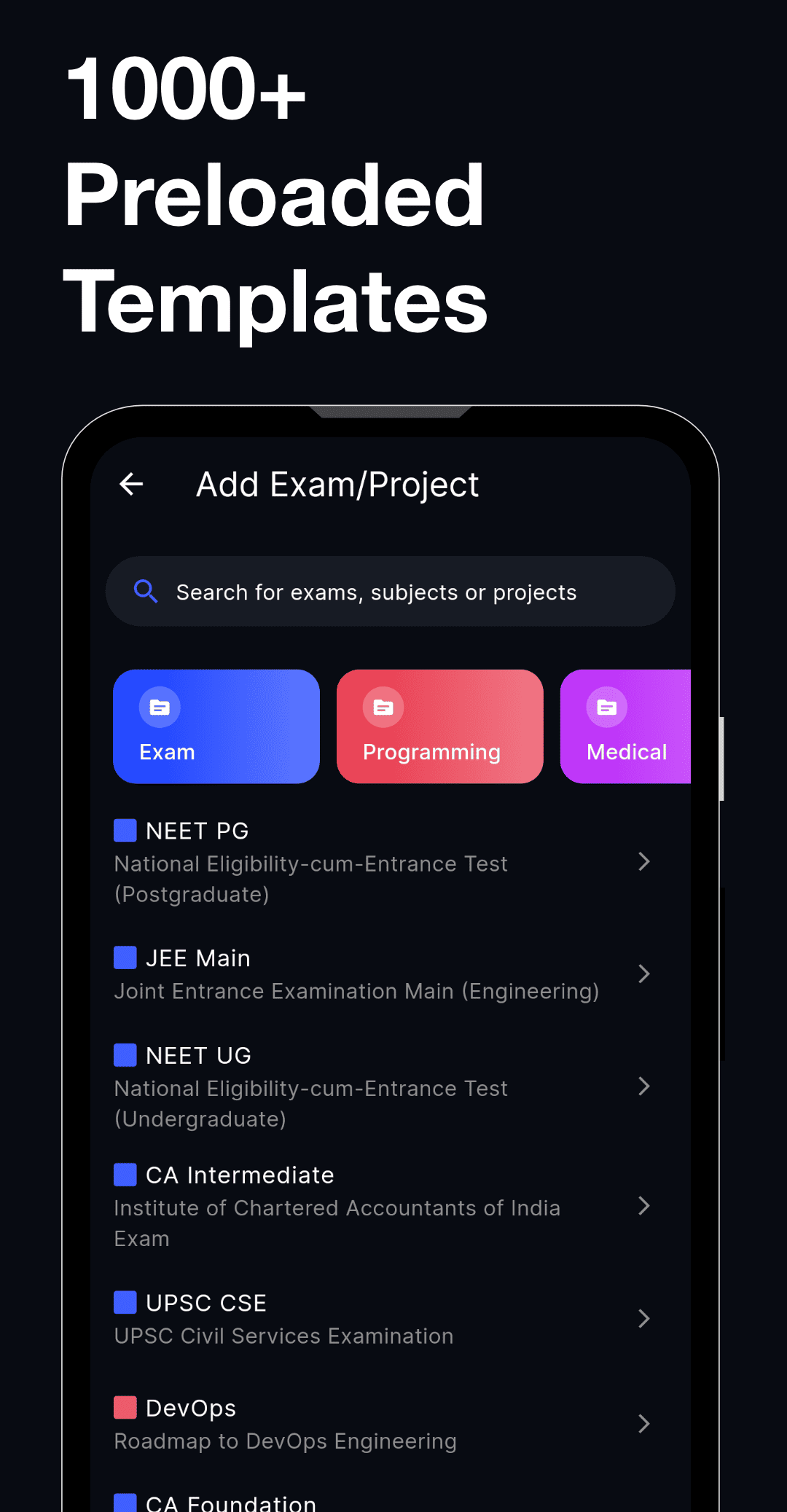
There are several easy ways to generate project templates in TrackIt. 1. Using the Preloaded Template Library – TrackIt includes 1000+ ready-to-use templates for exams, study plans, and projects that you can import with one tap. 2. Using AI Tools – You can use AI apps like ChatGPT or Gemini to generate a complete project or study template and then import it into TrackIt by following the tutorial inside the app. 3. Sharing With Friends – TrackIt allows users to share templates. Your friends can send you their templates, which you can instantly import into your app. 4. Manual Creation – You can also create fully customized templates by manually adding subjects, tasks, chapters, or project steps.
It's free. No account required.